



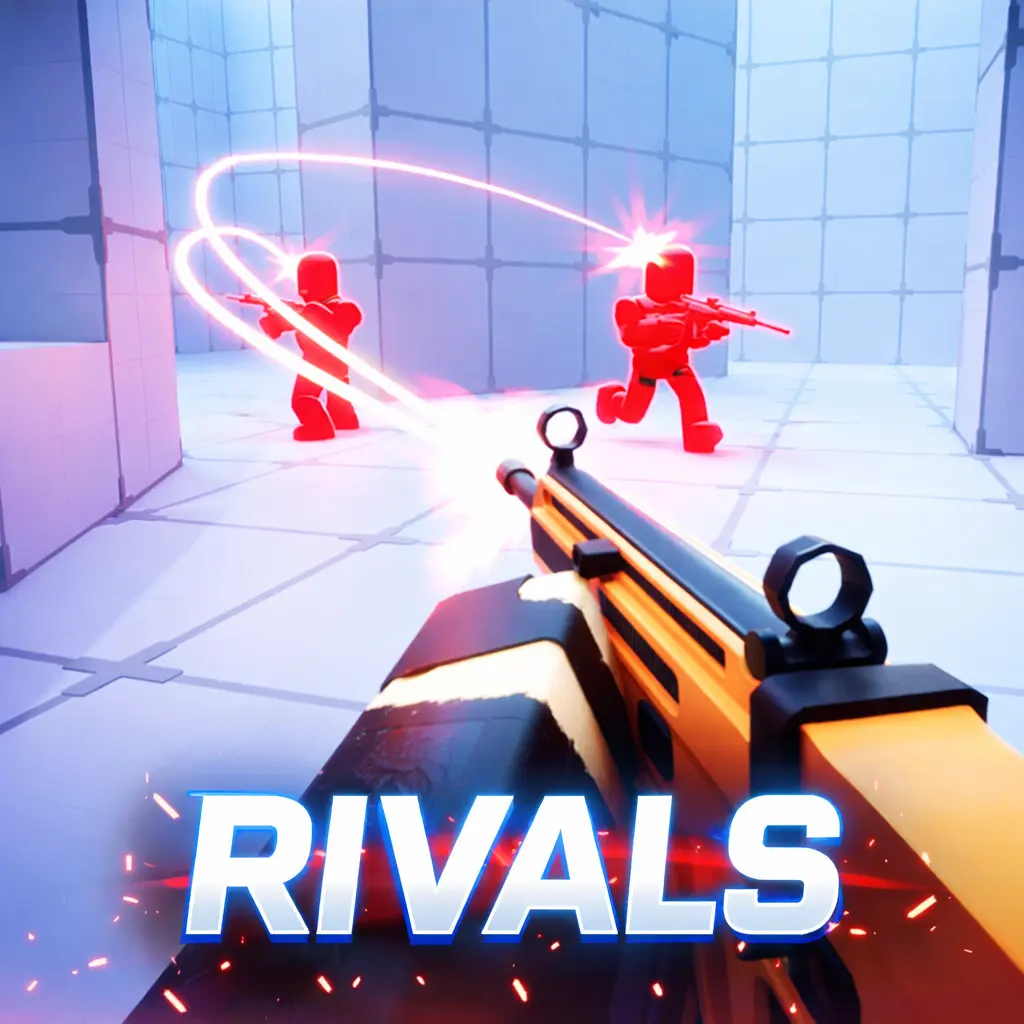
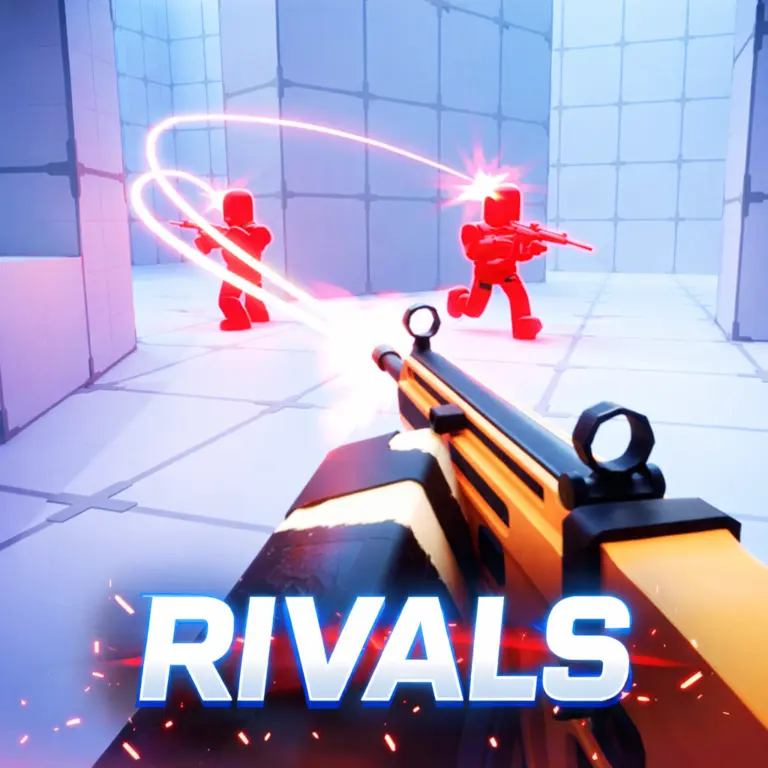
Zomblox Rivals
Zomblox Rivals is a pixel-style first-person shooter built around zombie survival, quick combat, exploration, and mission-driven objectives. The action takes place in a school under siege, turning familiar…
 Works on Desktop & Mobile
Tested By BunaGames
- Test date
- June 15, 2026
- Tested on
- Chrome 150
- Device
- Desktop
- Operating system
- macOS and Windows
- Game loaded successfully
- Yes
- Fullscreen works
- Yes
- Sound works
- Yes
- Save progress
- Local browser storage
- Mobile compatibility
- Partially tested
- Keyboard controls
- Working
- Controller support
- Not detected
- Average loading time
- 4.2 seconds
- Known issues
- Minor delay after entering fullscreen
Zomblox Rivals not loading?
- Refresh the page.
- Disable restrictive content blockers temporarily.
- Confirm JavaScript and WebGL are enabled.
- Clear the browser cache.
- Try another modern browser.
- Close unnecessary tabs.
- Switch off VPN if the game server is blocked.
- Use the Report a Problem button if the issue continues.
Continue Playing
Daily Challenge

Play 6 minutes today in Zomblox Rivals.
Leaderboard
- 1Community rating4.7 ★
- 2Player likes854
- 3Total votes924
- 4Your local progress0%
Your progress is saved locally in this browser. No account required.
 Your progress is saved locally in this browser. No account required.
Game Progress & Challenges
Why Play This Game?
 Instant PlayPlay instantly in your browser.
 Mobile FriendlyOptimized for all devices.
 Free to PlayNo hidden fees.
About "Zomblox Rivals"
Zomblox Rivals is a pixel-style first-person shooter built around zombie survival, quick combat, exploration, and mission-driven objectives. The action takes place in a school under siege, turning familiar spaces into dangerous routes filled with undead enemies and unexpected places to investigate.
Rather than presenting a single flat arena, the game’s setting includes areas such as classrooms, pools, and secret vents. That layout gives each run two connected goals: deal with zombies in front of you while continuing to search for the route, objective, or useful discovery that moves the mission forward. The result is an action game that rewards alert movement as much as direct shooting.
The visual style uses chunky, cubic-looking pixel graphics, while the tone leans into absurd meme-inspired weaponry and chaotic zombie encounters. It is a useful fit for players who want a browser FPS with an offbeat setting instead of a realistic military theme. You can jump into it alongside other browser games without needing a separate download.
Expect a fast pace, a school-based survival scenario, and objectives that encourage you to look beyond the nearest zombie. Whether you are arriving for the shooting or the strange exploration angle, the central challenge is staying effective while the school becomes harder to navigate safely.
Gameplay
The core loop combines first-person shooting with survival exploration. You enter a zombie-infested school environment, confront threats at close and longer sightlines, and work toward mission objectives instead of treating every encounter as a standalone score challenge. Combat matters, but progress also depends on recognizing where to go next and using the available spaces intelligently.
School locations create different kinds of pressure. Classrooms can concentrate action around entrances and furniture-filled interiors, while pool areas and connecting passages can change how exposed a player feels. Secret vents are especially important to the game’s exploration identity: they suggest that a visible route is not always the only route. Looking for alternate passages can be as valuable as pushing straight through a dangerous area.
The game’s unusual weapons add a deliberately silly layer to a tense zombie premise. Their meme-inspired theme helps distinguish the experience from a conventional undead shooter, but the practical task remains clear: react quickly, keep enemies from overwhelming your position, and continue completing the mission.
- Fight: Use first-person shooting to clear immediate zombie threats.
- Explore: Check school spaces, connecting areas, and hidden-looking routes.
- Advance: Follow the mission-based structure rather than wandering without a purpose.
- Survive: Avoid letting combat pull you away from a safe route or objective.
This mix is the game’s strongest semantic advantage. It is not only about eliminating zombies; it is about making decisions while moving through a hostile, playful school setting.
Platform
Zomblox Rivals is presented as a free online browser game. That means its intended access model is direct play through a modern web browser rather than installing a large standalone client. For players looking for a quick action session, browser access reduces setup and makes it easier to return to the game when time allows.
A first-person shooter is most naturally played with a keyboard and mouse because movement and aiming happen at the same time. A larger screen can also make it easier to read the space ahead, notice a route through the school, and react when zombies enter from an unexpected direction.
For the smoothest session, allow the game page to finish loading before starting, use a stable internet connection, and close heavy background browser tasks if performance feels inconsistent. Browser FPS games can demand quick camera movement, so a responsive device and current browser version are helpful.
Availability can depend on your device, browser settings, connection, and local network rules. If the game page opens normally on BunaGames, you can play it online without treating access as a download or installation task.
How to Play "Zomblox Rivals"
Start by approaching Zomblox Rivals as a mission-based survival FPS, not simply a room-by-room zombie hunt. Your first priority is to understand the immediate situation: identify the open paths, notice where enemies are approaching from, and look for the direction that appears to support the current objective. Shooting is essential, but moving with a purpose prevents the school from becoming a confusing maze.
- Enter the game and read the opening prompts. On-screen instructions establish the current objective and available interactions.
- Get oriented in the school. Look at nearby doors, passages, rooms, and any route that may offer a safer continuation.
- Deal with immediate zombies. Keep your attention on threats that can interrupt movement or trap you in a tight space.
- Continue toward the mission goal. After an encounter, return to the objective instead of staying in one area longer than necessary.
- Investigate alternate routes. Classrooms, pool areas, and secret vents are part of the setting’s exploration value, so check paths that may lead around danger or toward progress.
- Adapt to the weapon theme. The game uses unusual meme-inspired weapons, so pay attention to how the available tool feels in the current space and use it where it is most useful.
A good beginner mindset is to alternate between awareness and action. Pause briefly to read the environment, act decisively when zombies close in, then reassess your route after the immediate pressure is gone. This rhythm makes the mission structure easier to follow and helps you avoid losing sight of why you entered an area.
If a section feels difficult, do not assume the answer is only more aggressive shooting. Recheck the layout, look for a different passage, and make sure the next mission step has not been overlooked.
Controls
Because this is a browser-based first-person shooter, use the control prompts shown by the game as the final authority for your current device and version. FPS play depends on coordinating movement with camera aim, so take a moment at the start to confirm which inputs handle walking, looking, firing, and any available interaction.
| Action | What to check |
|---|---|
| Movement | Walking input prompt |
| Aiming | Mouse or camera prompt |
| Firing | Attack input prompt |
| Interaction | Mission prompt |
For a better first run, test the camera movement in a clear area before committing to a crowded fight. Fast turning is useful when zombies approach from more than one direction, but controlled aiming is just as important in narrow school spaces. Keep the game window active so browser shortcuts and background tabs do not interrupt your inputs.
If the game displays a pause menu or instructions screen, use it to verify the exact controls rather than relying on controls from another shooter. Browser games can use different bindings, and the displayed instructions are the most reliable guide.
Can "Zomblox Rivals" Unblocked?
Zomblox Rivals is designed for online browser play, so there is no separate installation process required to begin a session on BunaGames. Open the game page in a compatible browser, wait for the game to load, and use the on-screen instructions to start. This makes it convenient for players who want free action gameplay without downloading a desktop app.
“Unblocked” can mean different things to different players. The game can be accessed directly from its BunaGames page when the site is available on your device and network. However, school, workplace, library, or public Wi-Fi networks may use their own content filters, browser restrictions, or connection policies. Those policies are controlled by the network administrator, not by the game itself.
If the page does not load, try ordinary troubleshooting first: refresh the page, check your connection, use an updated browser, and make sure browser settings are not preventing the game from running. Do not attempt to bypass a network’s rules. The best experience is to play on a connection where browser games are permitted and the page can load normally.
Once it is running, the browser format supports a quick session: load in, follow the mission, survive the zombie pressure, and return whenever you want another attempt.
Tips for "Zomblox Rivals"
The best way to improve in Zomblox Rivals is to treat every school area as both a combat zone and a navigation problem. Zombies create urgency, but rushing without reading the environment can leave you stuck in an exposed position or moving away from the mission route. Build a habit of scanning before and after each encounter.
- Prioritize the objective. Clearing every visible zombie may not be the same as progressing. Reorient yourself toward the mission once the immediate danger is manageable.
- Use space deliberately. Notice entrances, exits, connecting corridors, and areas that could become difficult to leave if enemies gather nearby.
- Look beyond obvious doors. Secret vents are part of the school’s exploration theme. When a route seems blocked or inefficient, search for an alternate way through.
- Stay aware in enclosed rooms. Classrooms can limit visibility and movement. Avoid charging into an interior without checking the direction you can retreat through.
- Read open areas differently. Pool spaces may feel wider, but wider visibility can also mean threats are easier to spot from several directions. Keep your camera moving enough to maintain awareness.
- Learn from each failed push. If zombies interrupt a mission attempt, identify whether the problem was route choice, awareness, or committing to combat for too long.
Do not confuse frantic movement with effective movement. Fast FPS action rewards decisive reactions, yet a short moment spent locating the next path can save much more time than blindly running. This is particularly useful in a game that combines exploration with objectives.
The unusual weapon presentation is also a reminder to stay flexible. The tone may be comic and meme-heavy, but missions still demand practical decisions: protect your route, avoid being surrounded, and keep moving toward the next task. A calm, observant approach usually produces more consistent progress than chasing every encounter.
Features "Zomblox Rivals"
Zomblox Rivals brings together several ideas that suit players searching for a free browser action game with more context than a basic shooting range. Its central identity is a pixel-style zombie FPS set inside a school, but the game expands that premise with mission objectives, exploration routes, hidden-looking passages, and unusual meme-inspired weapons.
- Pixel-style first-person action: A chunky visual approach supports fast zombie-shooting gameplay without aiming for a realistic military presentation.
- School under siege: The setting gives the action a recognizable structure, with classrooms, pool areas, and other school spaces transformed by the zombie outbreak.
- Zombie survival pressure: Enemies create continual urgency as you try to remain mobile and complete objectives.
- Mission-based progression: The experience includes tasks to pursue, giving exploration and combat a clear purpose.
- Explorable routes: Secret vents and varied locations encourage players to look for alternatives instead of following only the most obvious path.
- Meme-themed weapons: The weapon concept adds a deliberately absurd style to the game’s survival scenario.
- Free browser access: The online format is suited to players who want to launch a session without a separate download.
The strongest feature is how these elements reinforce one another. The school layout makes exploration meaningful; exploration supports mission progress; missions keep shooting from becoming aimless; and the zombie threat makes every route choice more tense. The silly weapon flavor prevents the premise from becoming too grim while preserving the fast-paced FPS focus.
For players comparing browser shooters, this is a useful choice when you want zombies, a distinct location, and objective-oriented movement in the same session. It emphasizes the process of surviving through a strange environment rather than simply standing in one arena and firing indefinitely.
Best "Zomblox Rivals" Similar Games & Top Picks
- Fly the Plane: Play Fly the Plane online on BunaGames. Explore an action-focused airplane game page with practical play guidance and tips.
- Agent Smith: Play Agent Smith, a free top-down action shooter with marked targets, mission maps, exploration, and covert-operation action.
- Mortal Kombat: Learn about Mortal Kombat, its fighting-game roots, play approach, controls guidance, strategy tips, and browser access questions.
- Fatal Fury: Play Fatal Fury online and discover the classic SNK fighting game series known for intense battles, iconic fighters, and arcade roots.
- Awesome Tanks 3: Play Awesome Tanks 3 online, a top-down tank shooter with enemy armor, hidden areas, customizable tanks, and action-packed levels.
FAQ - Zomblox Rivals
What is Zomblox Rivals?
Zomblox Rivals is a pixel-style first-person action game centered on zombie survival in a school under siege. Players fight zombies, explore locations including classrooms and pool areas, use unusual meme-inspired weapons, and work through mission-based objectives.
Is Zomblox Rivals free to play?
Yes. It is presented as a free online browser game on BunaGames. You can open the game page and play in your browser without downloading a separate standalone game client.
What kind of game is Zomblox Rivals?
It is a first-person shooter with zombie survival and exploration elements. The gameplay is fast-paced, but it is not only about shooting: missions and the school layout encourage players to find routes, investigate areas, and keep moving toward objectives.
Where does the game take place?
The action takes place in a zombie-infested school. Competitor descriptions identify locations such as classrooms, pools, and secret vents. These areas give the game a more varied setting than a single combat arena and make route awareness important.
Does Zomblox Rivals have missions?
Yes. The game is described as mission-based, meaning players have objectives to complete while surviving zombie encounters. Following the current mission prompt and exploring the environment are important parts of making progress.
What are the controls for Zomblox Rivals?
Use the on-screen control prompts in the game for the exact bindings. As a first-person shooter, play involves movement, camera aiming, firing, and following interaction or mission prompts. The displayed instructions are the best source because browser game controls can vary by version or device.
Can I play Zomblox Rivals at school or work?
You can play through a browser when BunaGames is available on your device and network. However, access on school, work, library, or public networks depends on that network’s own rules and filters. Do not try to bypass local restrictions; play where browser games are allowed.
What makes Zomblox Rivals different from a standard zombie shooter?
Its main difference is the combination of a pixel-style school setting, mission-focused exploration, secret vents, and meme-inspired weapons. Instead of only surviving in a generic arena, players must manage zombie pressure while navigating a strange school environment and pursuing objectives.
More Games Like This
 Super Smash Flash
Action ★ 4.5
Super Smash Flash
Action ★ 4.5
 Street Fighter 2
Action ★ 4.7
Street Fighter 2
Action ★ 4.7
 Alien Hominid
Action ★ 4.7
Alien Hominid
Action ★ 4.7
 King Of Fighters
Action ★ 4.8
King Of Fighters
Action ★ 4.8
 Bloons Td 6
Action ★ 4.6
Bloons Td 6
Action ★ 4.6
 Brutalmania IO
Action ★ 4.7
Brutalmania IO
Action ★ 4.7
 Temple Run 3
Action ★ 4.7
Temple Run 3
Action ★ 4.7
 Plants Vs Zombies 2
Action ★ 4.6
Plants Vs Zombies 2
Action ★ 4.6
 Plants Vs Zombies 3
Action ★ 4.6
Plants Vs Zombies 3
Action ★ 4.6
 Papas Sushiria
Action ★ 4.6
Papas Sushiria
Action ★ 4.6
 Papas Wingeria
Action ★ 4.6
Papas Wingeria
Action ★ 4.6
 Papas Scooperia
Action ★ 4.7
Papas Scooperia
Action ★ 4.7
 Papas Pizzeria
Action ★ 4.6
Papas Pizzeria
Action ★ 4.6
 Papas Freezeria
Action ★ 4.6
Papas Freezeria
Action ★ 4.6
 Papas Taco Mia
Action ★ 4.6
Papas Taco Mia
Action ★ 4.6
 Papas Cupcakeria
Action ★ 4.6
Papas Cupcakeria
Action ★ 4.6
 Counter Strike Online
Action ★ 4.4
Counter Strike Online
Action ★ 4.4
 Red Ball 3
Action ★ 4.7
Red Ball 3
Action ★ 4.7
 Report a Problem
Comments About Zomblox Rivals